

Features Built For Property Management Needs
.svg)
.svg)
.svg)
.svg)
.svg)

See ZEscrow in Action
Watch our quick video to see how ZEscrow works or check out our user guide below.
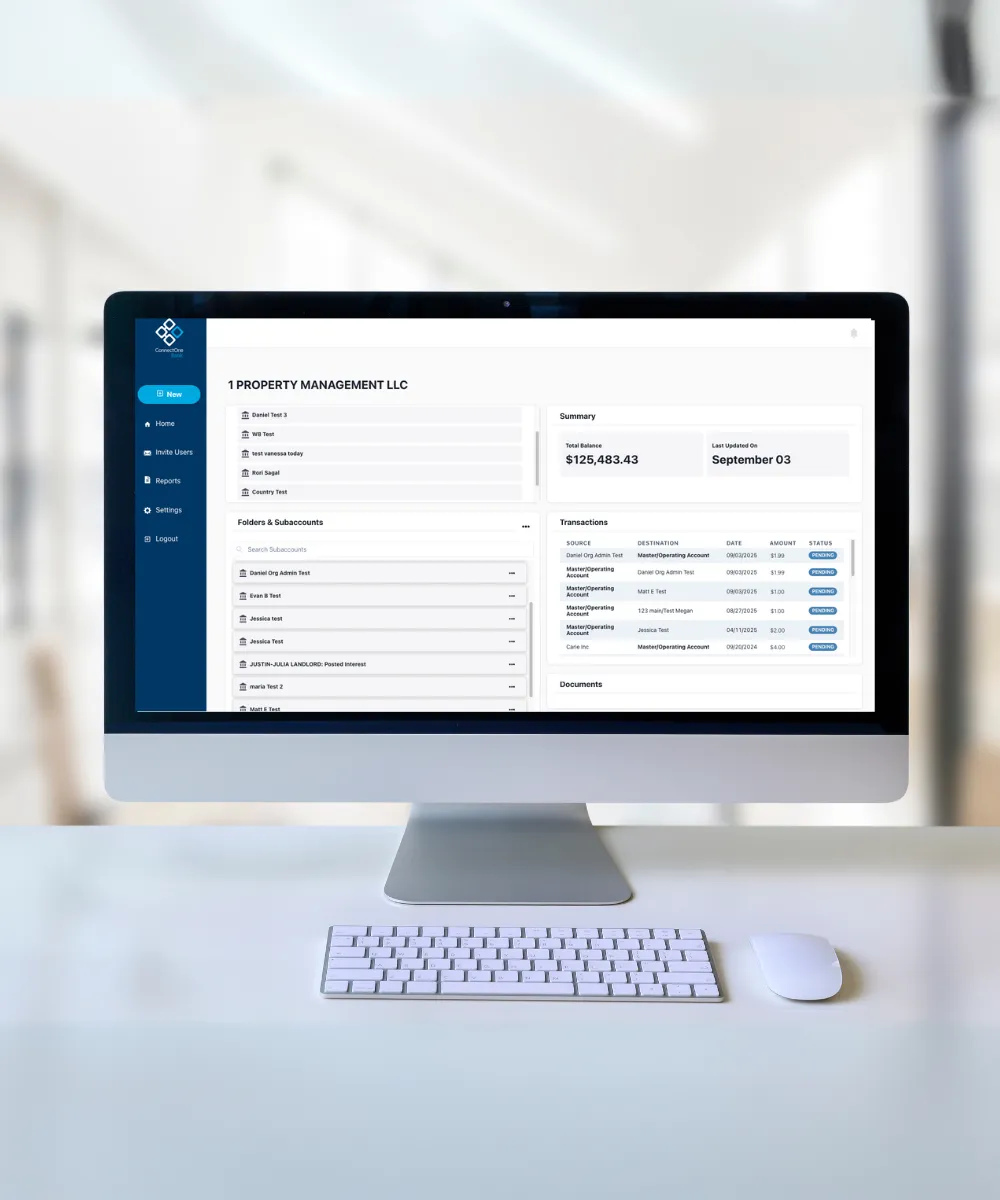
Our Treasury Management experts will help put the power of sub-account management in the hands of your business with ZEscrow.
301 Sylvan Avenue
Englewood Cliffs, NJ 07632
Mon - Fri: 7am-7pm ET
Sat: 8am-2pm ET
Frequently Asked Questions
If you have multiple properties, buildings or entities, you can easily manage them within the same ZEscrow portal.
To get started with ZEscrow by ConnectOne Bank, connect with your local banker or contact us to enroll.
You can access ZEscrow through this link or by selecting 'ZEscrow' in the login menu at the top of our website.
Yes! The balances for all sub-accounts within ZEscrow are FDIC-insured.
Yes! Each month, you will receive two statements:
- From ConnectOne Bank — of your Holding account balance. This statement is available via mail or online through your Business Online Banking.
- From ZEscrow — of the collective balances of the sub-accounts and specific sub-account(s) transactions and interest postings. This account activity statement is only available online via ZEscrow.
No, there is no limit to how many properties or organizations you can have in ZEscrow.
Please contact your dedicated banker or a member of our Treasury Management team. As always, you can also reach out to support@cnob.com or call us at 844-266-2548.


You are leaving ConnectOne Bank's Website
By continuing, you will be leaving the ConnectOne Bank website.
ConnectOne Bank is not responsible for accuracy, security, content, or services offered by other websites; we encourage you to view privacy & security disclosures of all websites you visit as they may be different than those of ConnectOne Bank.
Visit our site again soon.
Email disclaimer
Email is not a secure transmission route. Thus we ask that you never send sensitive personal information like Social Security numbers, Account numbers, Credit Card numbers or any type of password via email to ConnectOne Bank or anyone else. Please call us when submitting this information. Please click Send an Email to continue...